
 Menu
Menu
- Minicomputer(81)
- Microcontroller(89)
- Electronic(531)
- Servo(5)
- Smart Home(2)
- Services(0)
- New products
New products



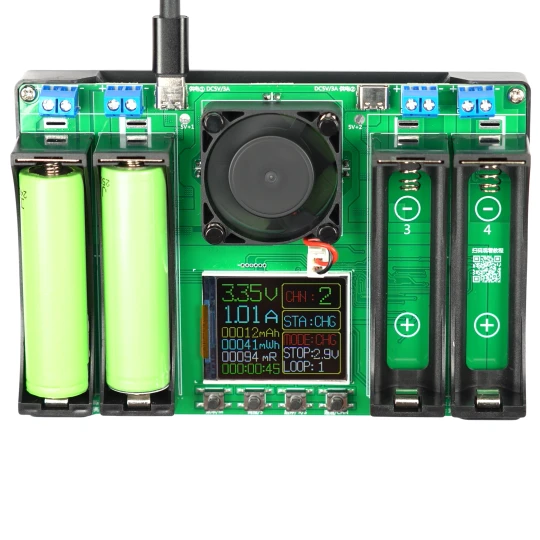
Tester miernik pojemności rezystancji ładowarka ogniw 4x18650 USB-C + ekran
Availability:
duża ilość
Dispatched within:
1 day
Rating:
0
0
Vendor:
OEM
Description
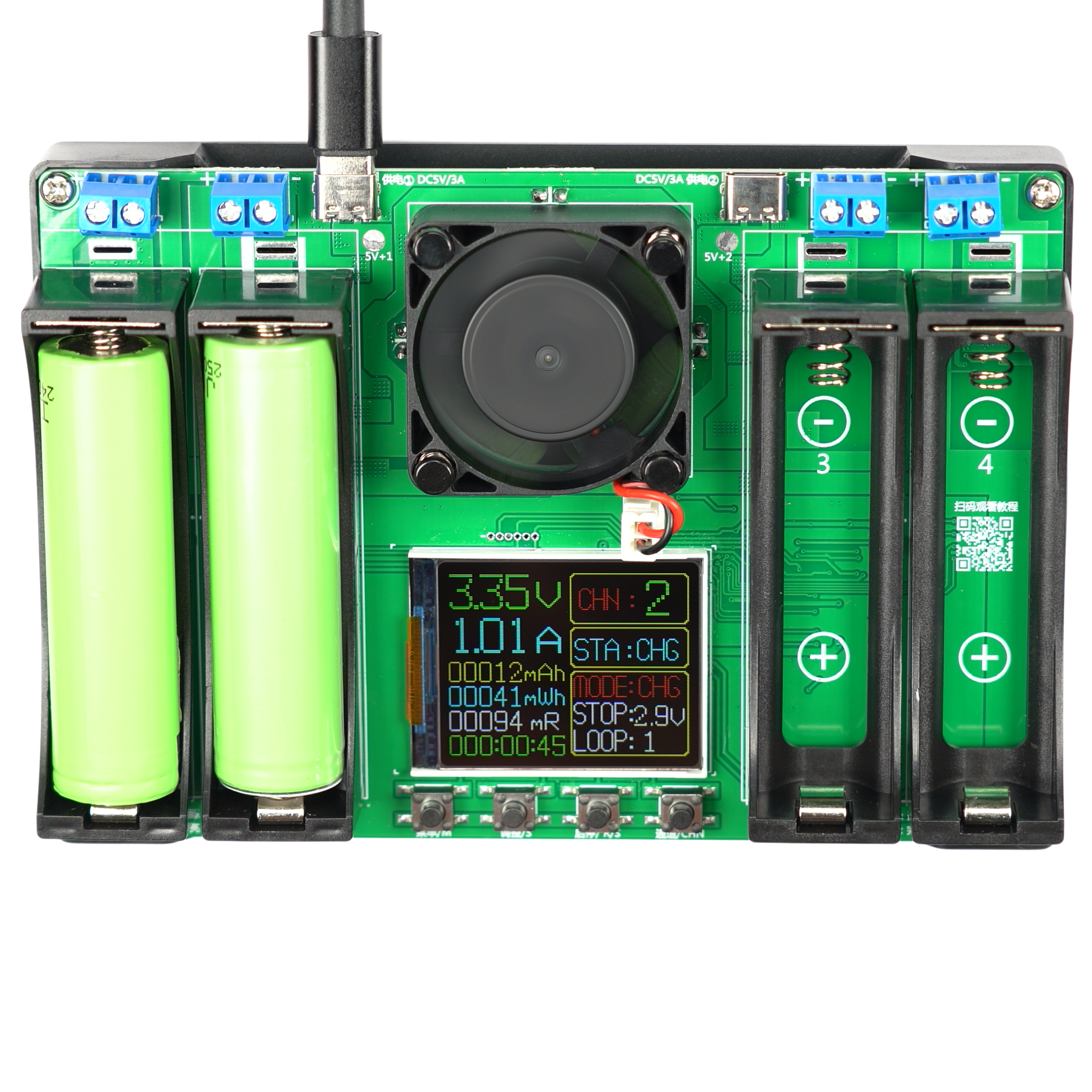
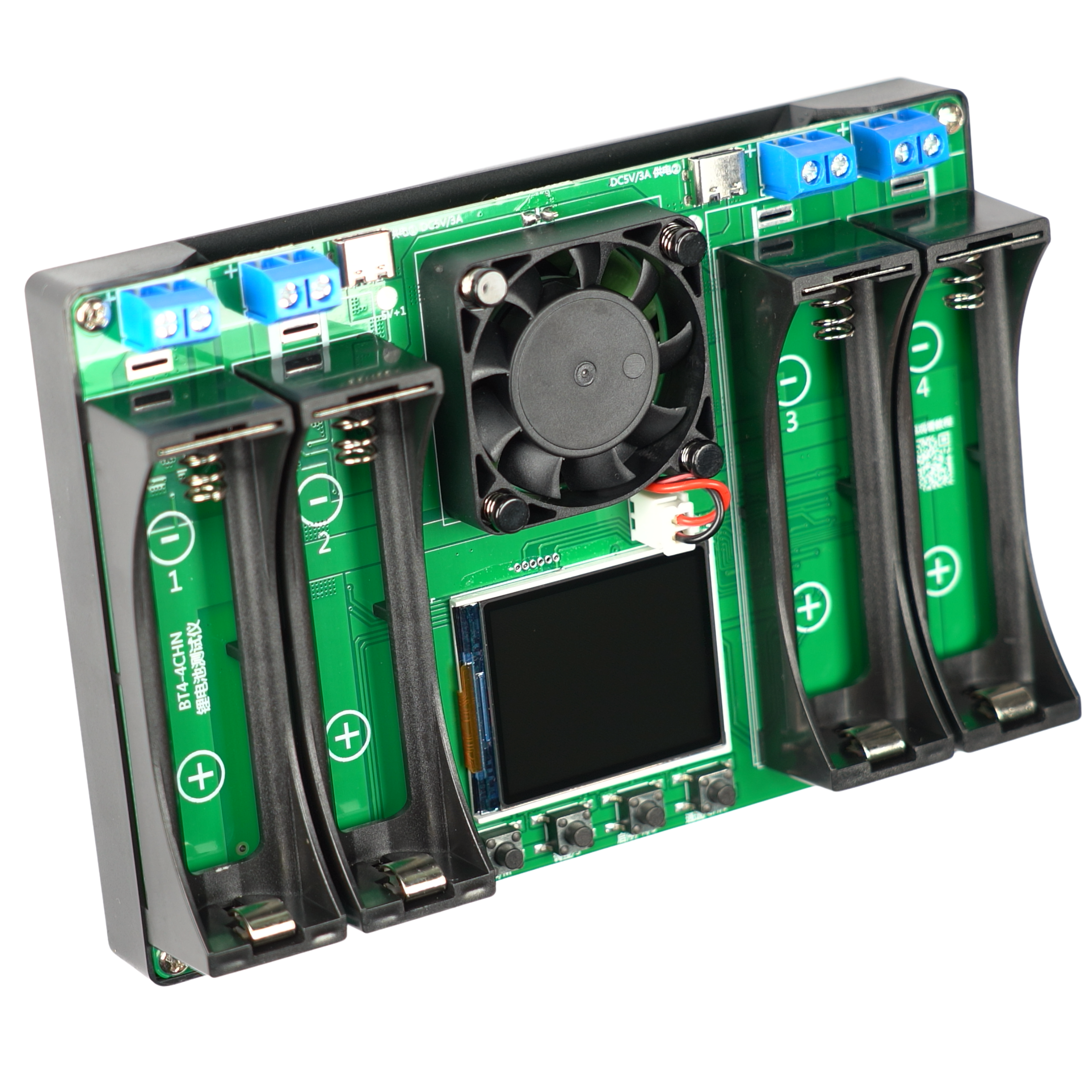
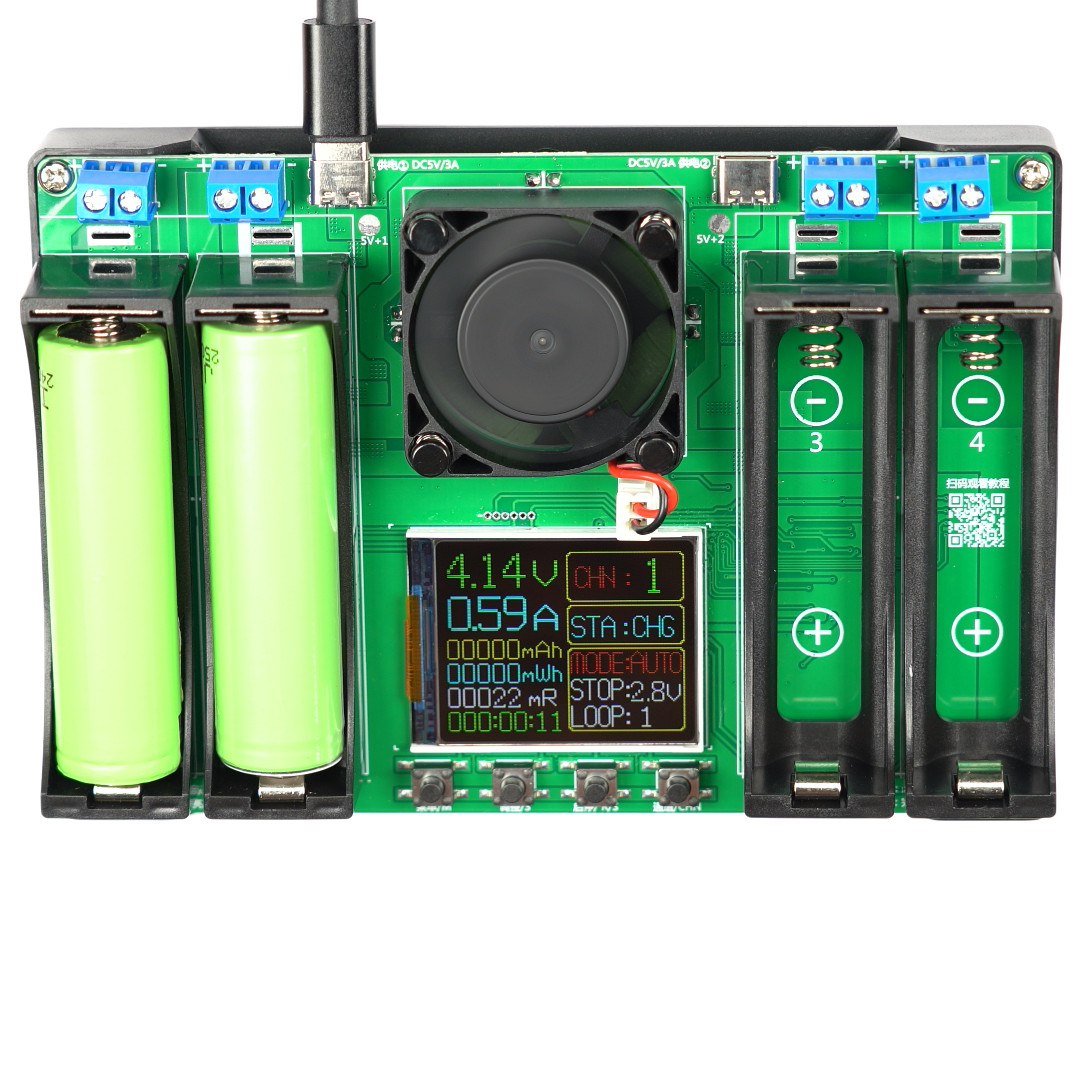
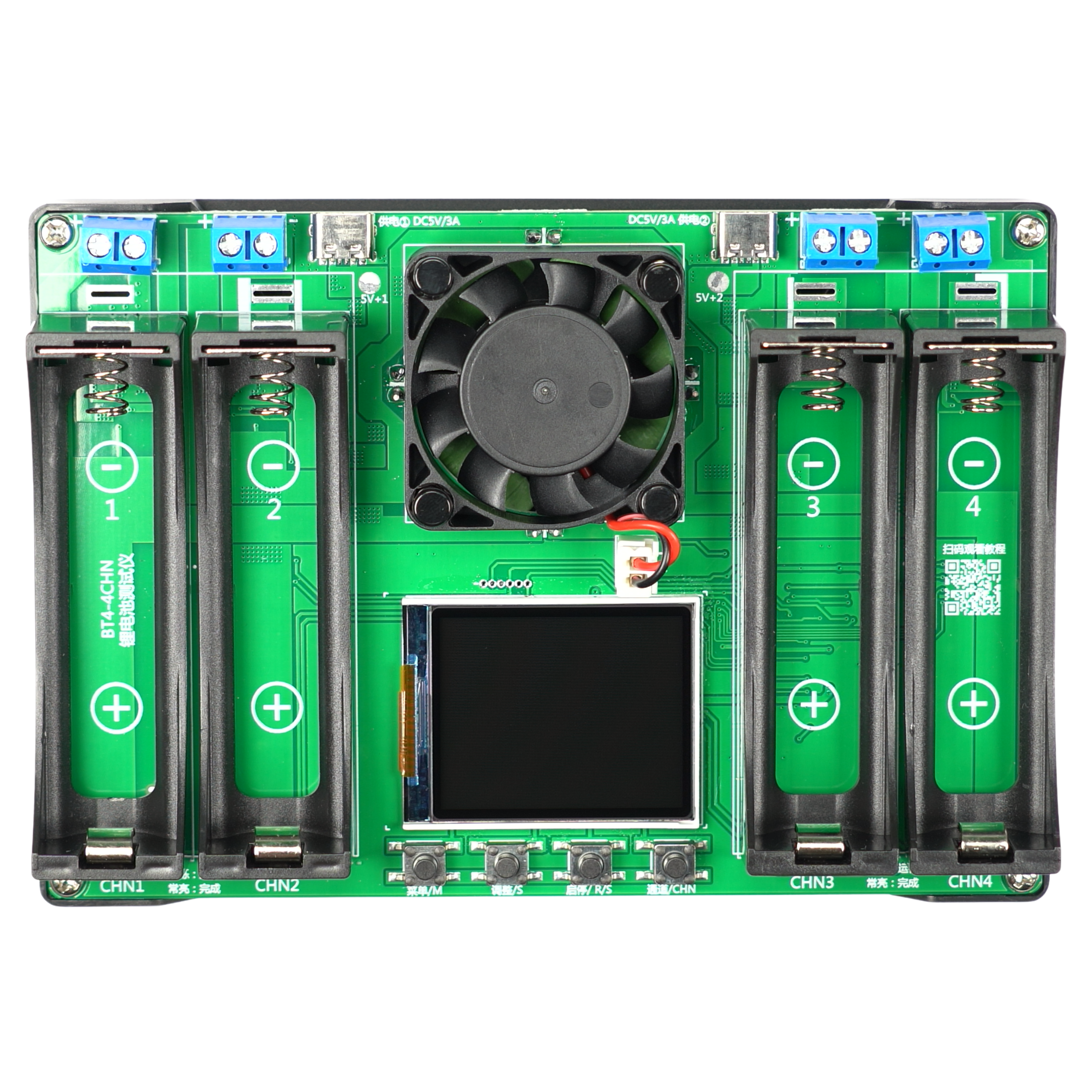
18650 Cell Tester and Charger with USB-C Port
An advanced module that enables accurate measurement of the capacity and internal resistance of 18650 batteries. The device supports up to four cells and features a charging function via an integrated USB-C port. Active cooling via a built-in fan ensures stable operation during the discharge process.
Key Technical Features
- Power supply: via 5V USB port
- Capacity measurement range: 0–99,999 mAh
- Energy measurement range: 0–99,999 mWh
- Discharge voltage: adjustable from 2.5 to 3.5 V
- Cell charging voltage: up to 4.2V
- Charging current: up to 1 A
- Discharge current: up to approximately 0.75 A
- Dimensions of supported cells: 18.5 mm x 66 mm
- Module dimensions: 147 mm x 102 mm x 34 mm
Three operating modes
- AUTO mode – charges the cell, then discharges it while measuring capacity, recharges it, and ends the program.
- DISCHARGE mode – discharges the cell while measuring capacity, then ends the program.
- CHARGING mode – charging the cell to full capacity and ending the program.
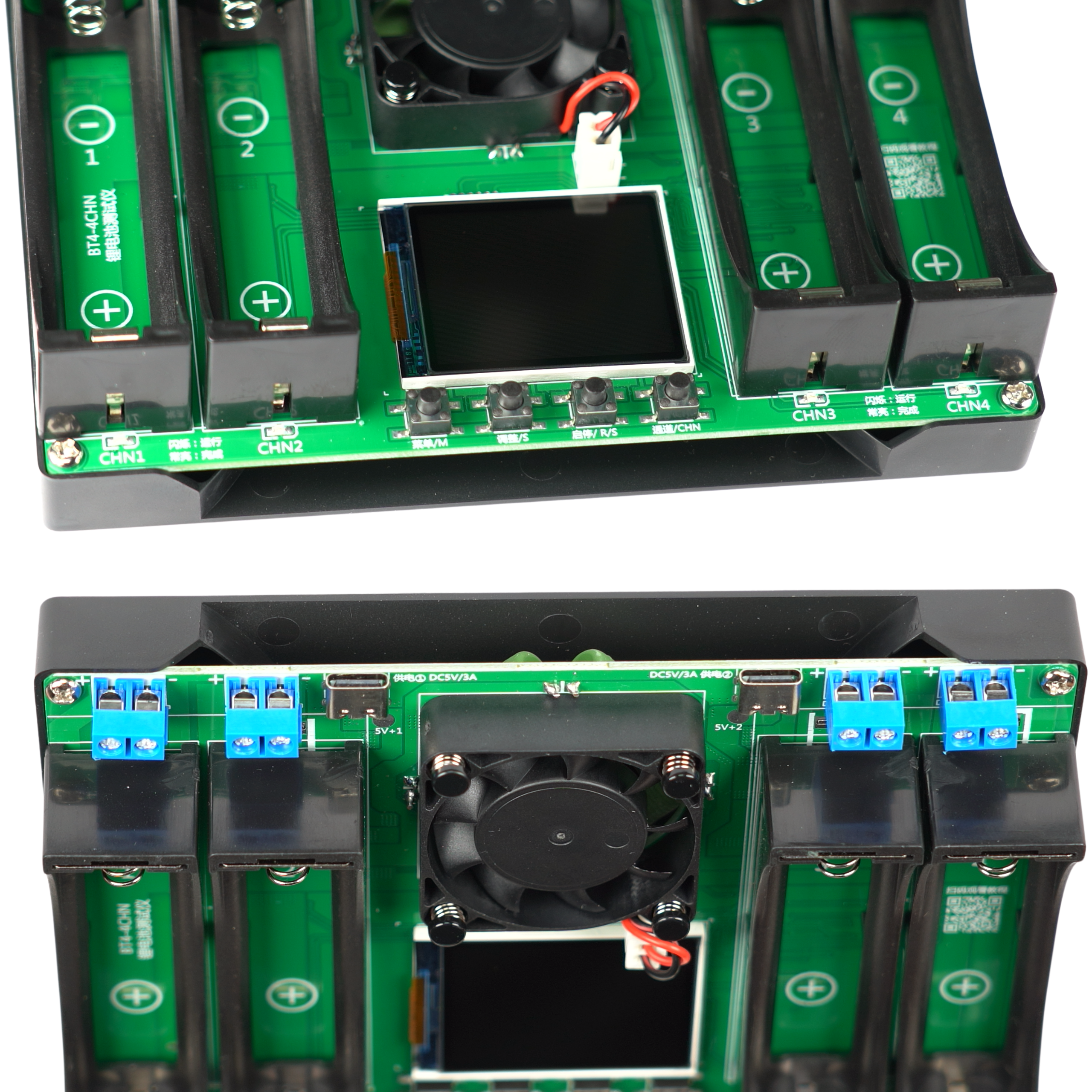
Button functions
- M button – select the parameters you want to change.
- S button – select the mode (charge, discharge, automatic).
- R/S button – start/stop.
- CHN button—select a battery (CHN1–CHN4).
Benefits
- Comprehensive diagnostics—the ability to simultaneously check capacity and internal resistance.
- Convenient power supply—the widely used USB-C port makes it easy to connect to standard power adapters.
- Operational safety—the built-in fan effectively cools the resistors during discharge.
- Automated measurements—set up to 9 repetitions of the test cycle.
- Multitasking—support for up to four cells at once speeds up the verification process.
Example Applications
- Verification of the actual capacity of used 18650 cells.
- Selection and pairing of batteries for building power packs.
- Testing internal resistance to reject worn-out cells.
- Safe charging of individual 18650 batteries.
Important Additional Information
The kit does not include cells.
To change the interface language to (English/Chinese), disconnect the power supply, hold down the M button, and then reconnect the power supply.
Shipping costs
The price does not include any possible payment costs
Shipping country:
Product reviews (0)

All reviews (positive and negative) are displayed. We don't verify that they come from customers who have purchased the product.