
 Menu
Menu
- Minicomputer(81)
- Microcontroller(89)
- ESP8266(11)
- ESP32(33)
- Arduino®(0)
- Compatible with Arduino(20)
- STM32(3)
- STM32 Discovery(1)
- STM32MP1(0)
- STM32 Nucleo(8)
- Lead expander(12)
- Raspberry Pi RP2040(1)
- Electronic(531)
- Servo(5)
- Smart Home(2)
- Services(0)
- New products







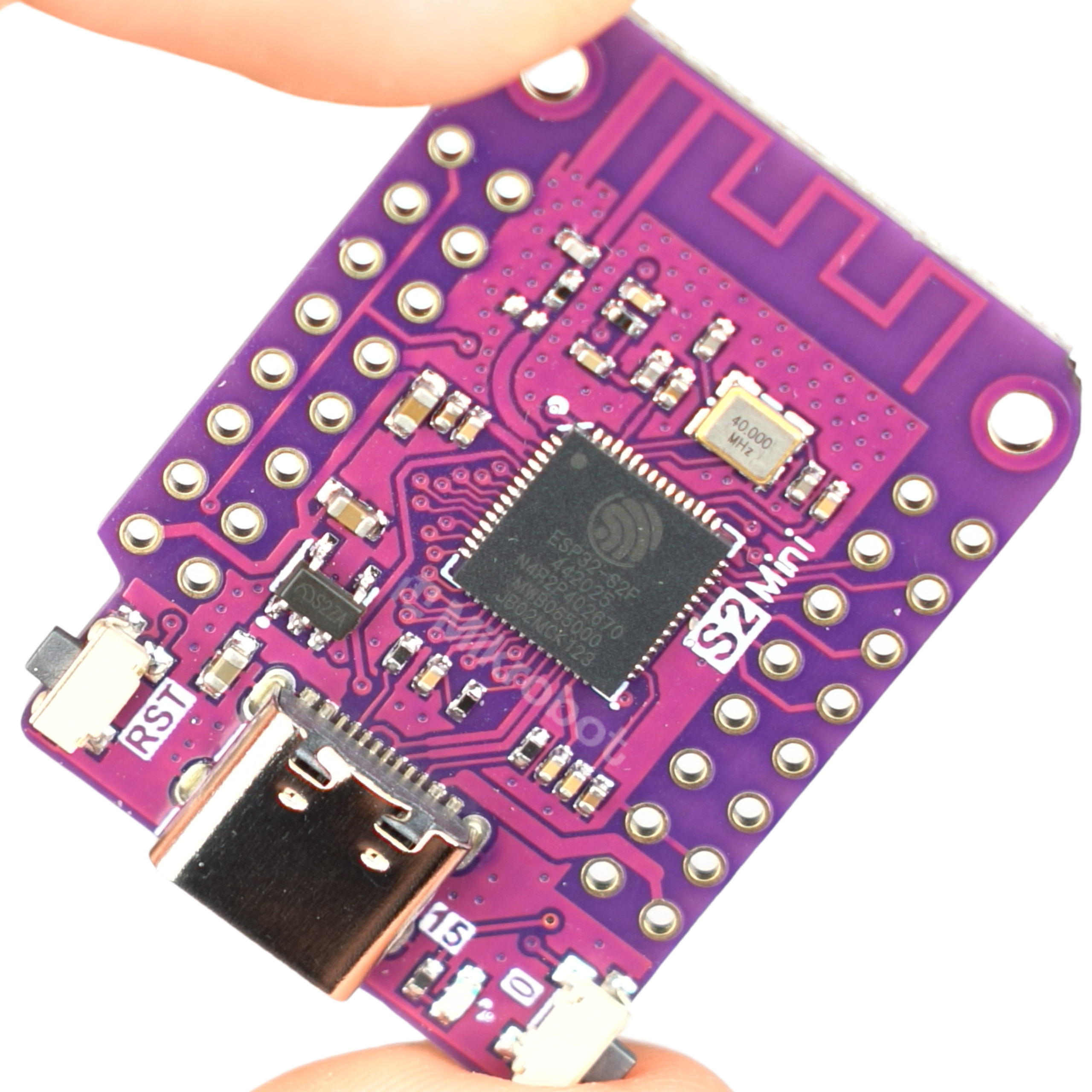
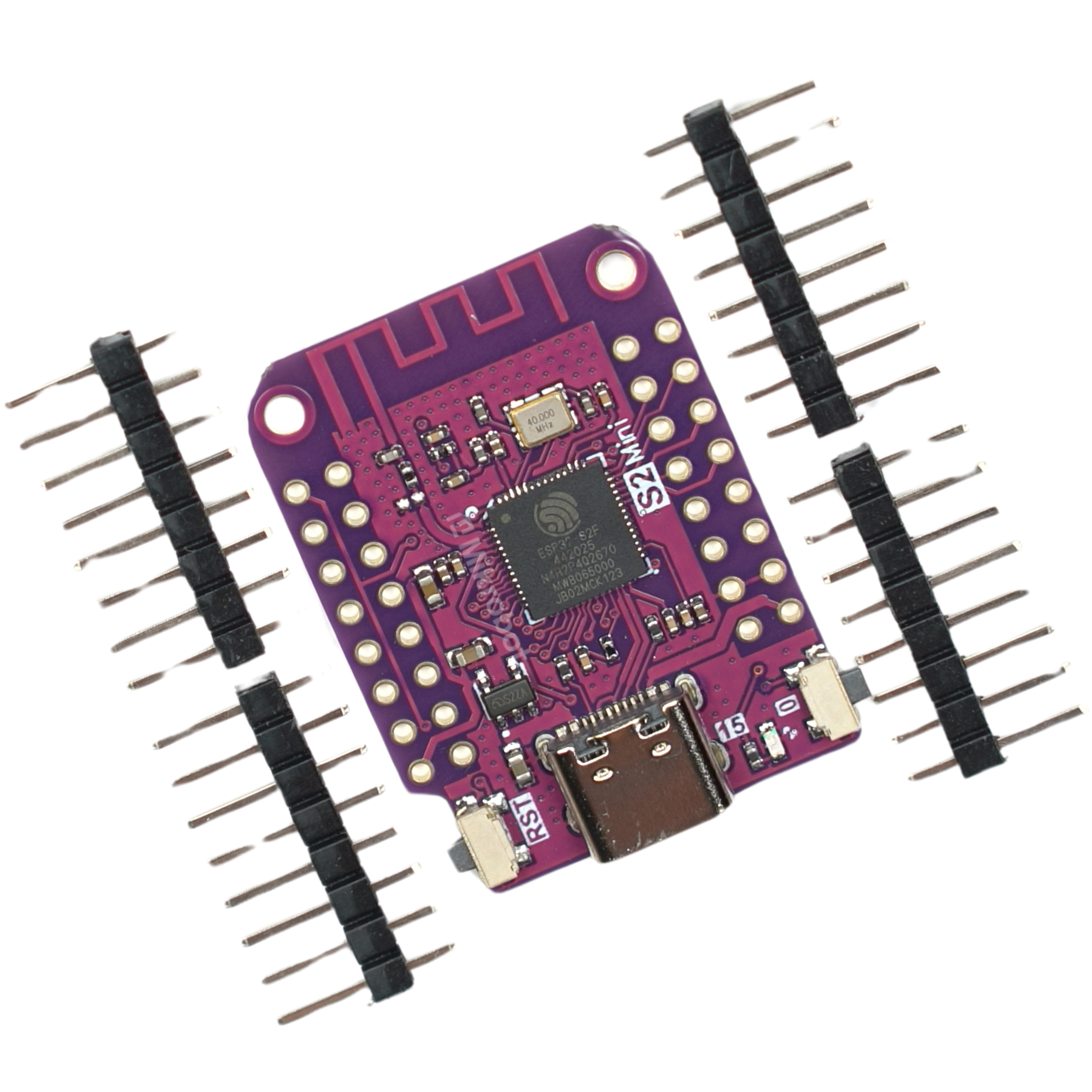
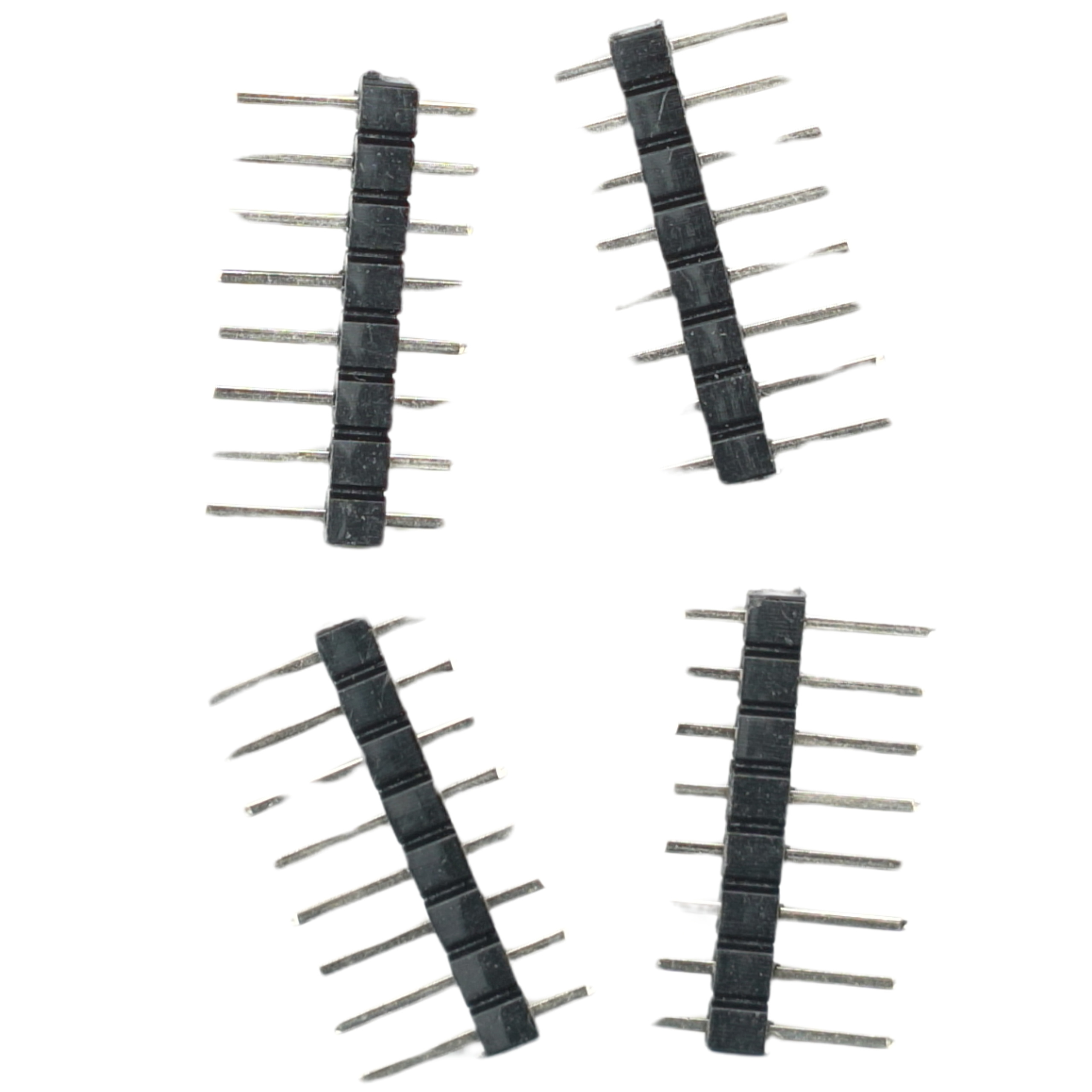
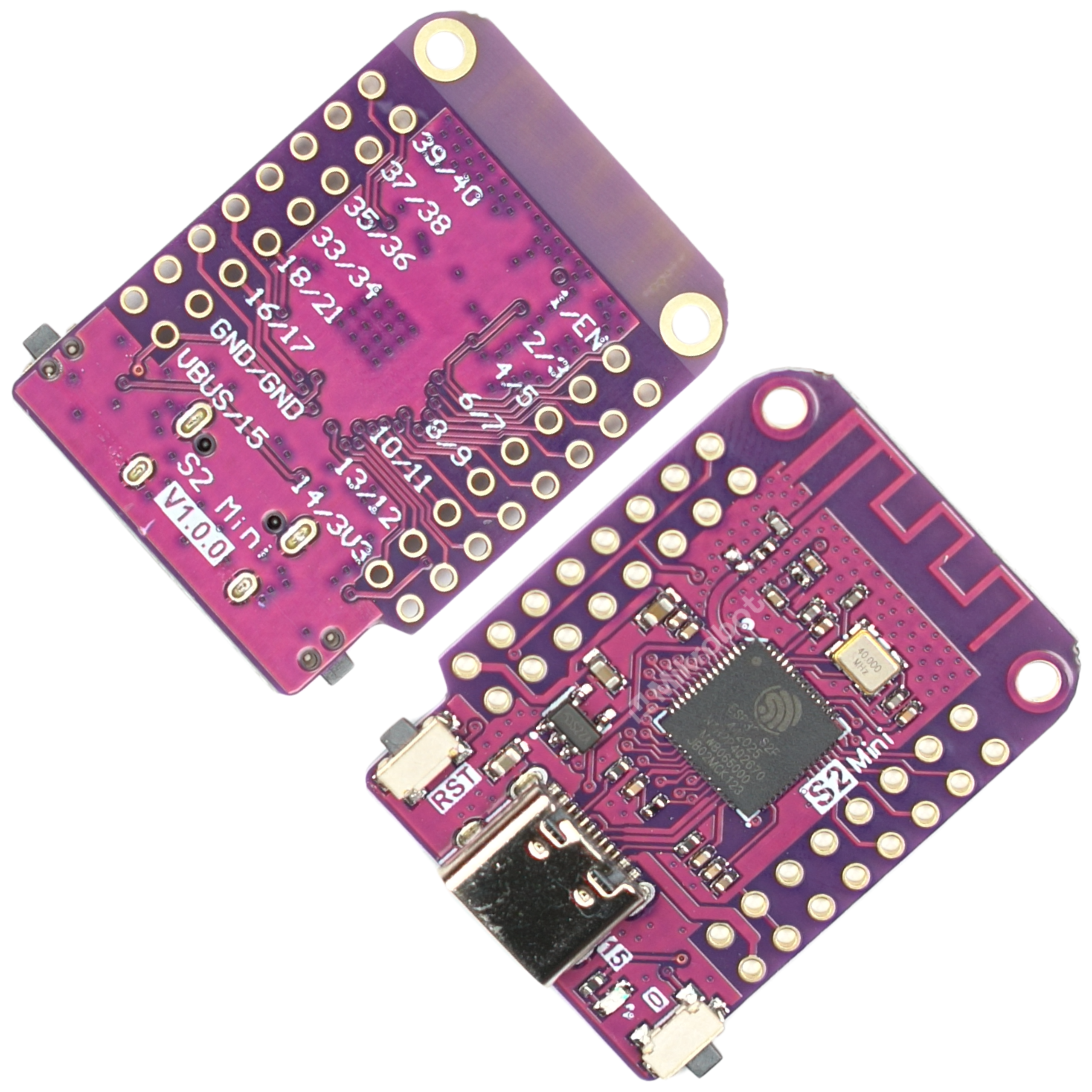
Mikrokontroler ESP32-S2 mini S2FN4R2 WiFi 4MB ESP32 USB-C Wemos do Arduino
 0
0
Description
Product Description
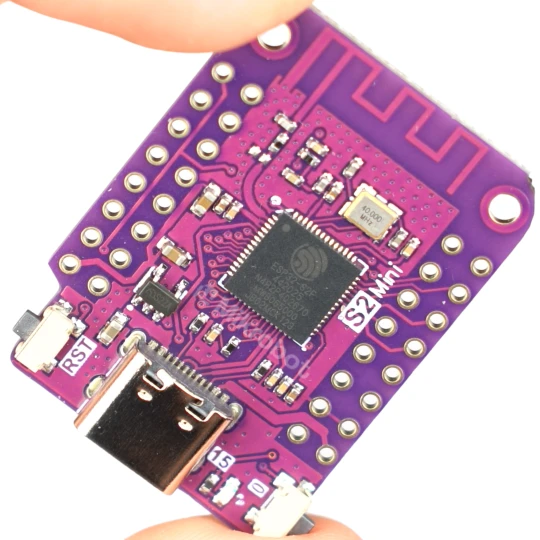
The compact and energy-efficient ESP32-S2 mini FN4R2 microcontroller with built-in Wi-Fi support. This module is the successor to the popular Wemos D1 mini and remains compatible with many of its dedicated expansion modules. With a high clock speed of 240 MHz and 27 digital I/O pins, it is well-suited for advanced embedded systems. Intended for: ESP32, Arduino.
The board offers hardware support for multiple communication interfaces, including I2C, SPI, I2S, PWM, USB OTG, DVP, and support for LCD displays. It is equipped with a modern USB-C connector with native USB support on the microcontroller side, enabling direct programming from a computer. The module is fully compatible with the MicroPython and Arduino IDE environments.
Key Technical Features
- Supply voltage: 3.3V
- Logic levels: 3.3V
- Microcontroller: ESP32-S2FN4R2
- Clock frequency: 240 MHz
- FLASH memory: 4 MB
- PSRAM: 2 MB
- Number of digital inputs/outputs: 27
- Supported interfaces: ADC, DAC, I2C, SPI, UART, USB OTG
- Power and programming connector: USB-C
- Module dimensions: 34 mm x 25 mm x 4 mm
- Weight: 2.4 g
Benefits
- High computing performance thanks to a 240 MHz processor.
- Ample FLASH memory (4 MB) and PSRAM (2 MB) to facilitate the execution of complex programs.
- Direct connection to a computer via a modern USB-C port.
- Wide software compatibility—supports MicroPython, Arduino, CircuitPython, and ESP-IDF.
- Easy migration from Wemos D1 mini boards thanks to compatibility with existing shields.
Example Applications
- Home automation and smart building systems.
- Compact Internet of Things (IoT) devices requiring Wi-Fi connectivity.
- Wireless environmental sensors and weather stations.
- LED lighting and visual system controllers.
- Prototyping electronic devices using MicroPython or the Arduino IDE.
- Communication modules for amateur and professional robotics.
Programming Instructions (DFU Mode)
To put the ESP32-S2 mini module into DFU programming mode, follow these steps:
- Press and hold button 0 on the board.
- Briefly press the RST button.
- Release button 0.
- The operating system should detect a new USB device.
Shipping costs
The price does not include any possible payment costs
Product reviews (0)

All reviews (positive and negative) are displayed. We don't verify that they come from customers who have purchased the product.